新推文
-
每篇文章开头,使用yaml格式定义文章的基本信息,格式如下:
---
layout:     post
title:      "博客维护方法"
subtitle:   ""
description: "记录了上传新文章和更新搜索索引的方法"
date:    2025-09-24
author:     "黄瑞杰"
image: "/img/postImg/1.jpg"
URL: "/allpost/first_commit"
tags: ["数据结构", "二叉树", "算法"]
---
其中,URL需要更改为不同的文件夹,比如second_commit等。因为每个文件夹中只会有一个index.html。
-
嵌入视频:
-
添加图片:需要将图片放入content的同级目录static中的img,并修改图片相对路径。
<figure>
   <img src="/img/postImg/2.png" alt="图片走丢了...">
   <figcaption style="font-size:14px; text-align:center; color:gray;">
      图片描述
   </figcaption>
</figure>
测试:
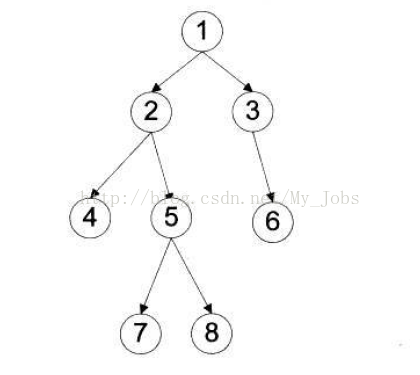
图片描述 -
高亮
<mark>高亮</mark> -
使用
hugo server命令,在本地查看上传后的效果。 -
使用
hugo命令,在本地构建public文件夹。 -
将public文件夹通过git上传到github。
-
使用
scp -r public/* huang@49.235.32.220:/home/huang/JerryBlog/更新服务器
更新搜索索引
- 使用
hugo构建public文件夹。 - 使用
npm run algolia更新algolia平台数据。